Cursor Claw
Browser Games
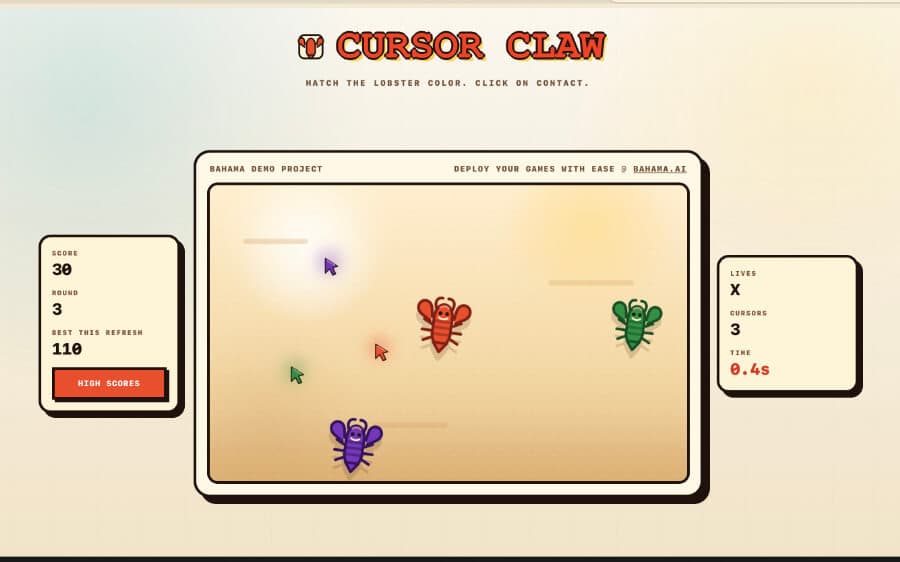
A retro cursor-matching game with a high scores cloud DB – Bahama can deploy playful interactive apps with shared cloud state.
ReactViteScores DB

The open cloud toolkit built for agents. Let your agent manage hosting, databases, storage and more — on Bahama Cloud or with providers you already use.
Install — paste this into your agent
Read https://bahama.ai/install.md and install Bahama for this workspace.Works in Claude Code, Cursor, Codex — any coding agent. No account needed to start. Prefer manual install?
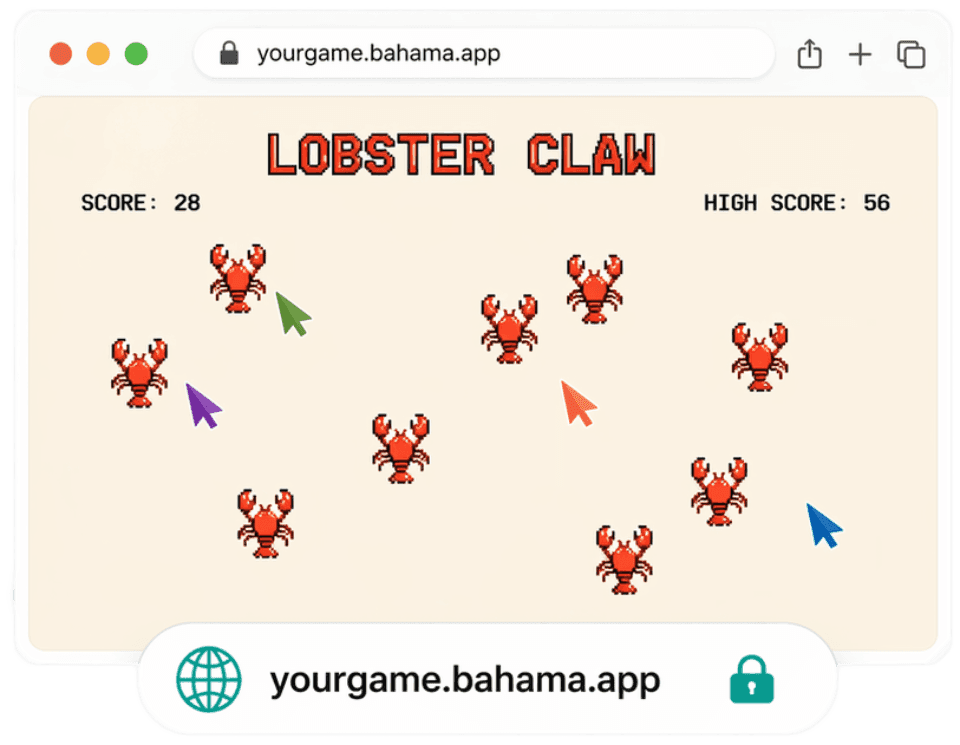
Bahama works seamlessly with the tools you already use:




How it works
Bahama makes your coding agent as good at deploying apps as it is at creating them. Add databases and storage, deploy to the web, and securely wire everything together — without lifting a finger.
 Your coding agent
You ask
“Build an inventory dashboard for my shop. Save orders in a database and put it online.”
Planning what your app needs
Choosing the right hosting and database for your request.
01 · Planning
Choosing providers
02 · Provisioning
Waiting
03 · Deploying
Waiting
Your agent shows exactly what it will create before anything changes.
You stay in control. Nothing touches your cloud accounts until you say yes.
Bahama checks the real app and resources before calling the job done.
Built on Bahama
What can you build with Bahama? Full-stack apps, landing pages, business dashboards, personal projects, and more. These showcase apps were built with AI and deployed to Bahama in seconds.
Cursor Claw
A retro cursor-matching game with a high scores cloud DB – Bahama can deploy playful interactive apps with shared cloud state.
Landing Demo
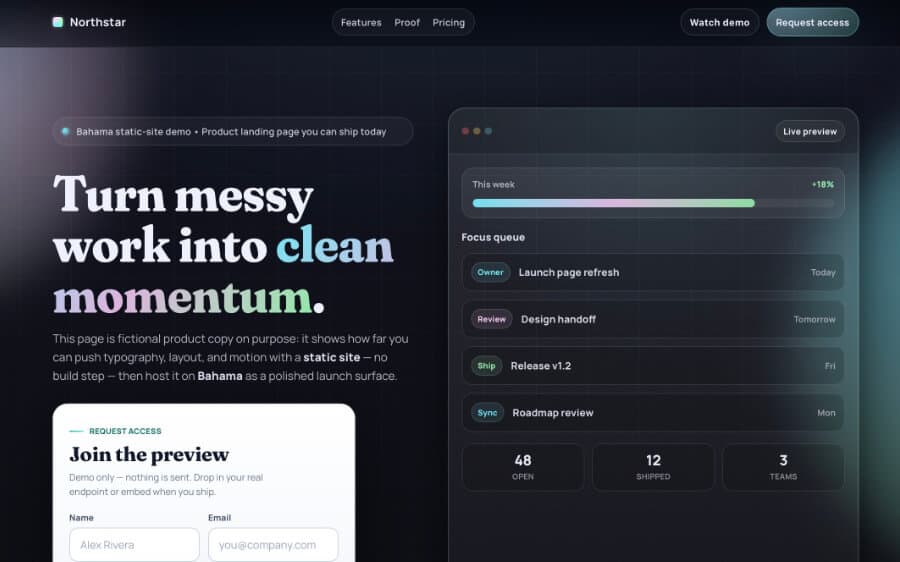
A polished product landing page and sign-up form – Bahama can publish high-fidelity static sites with HTML, CSS, and JavaScript.
Sunset Supply Co.
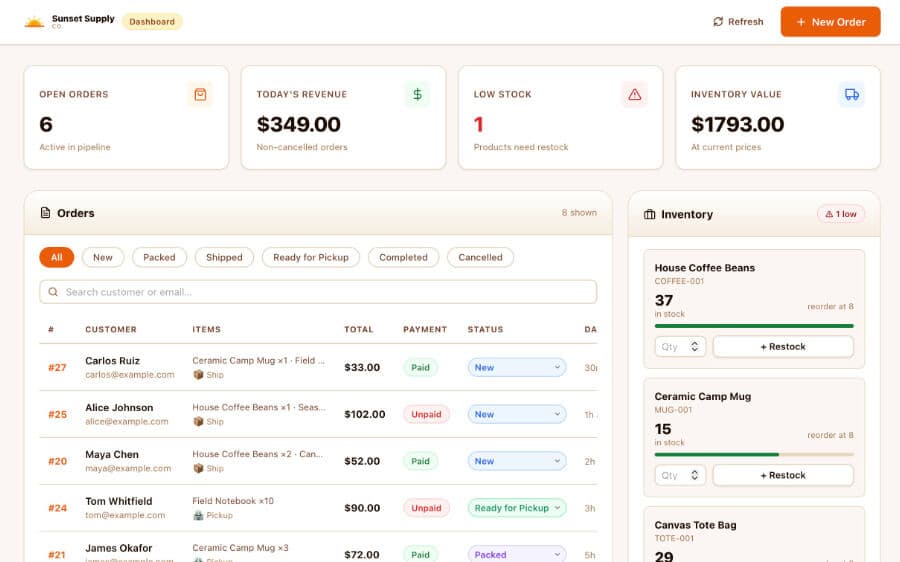
A detailed order and inventory dashboard with order history, analytics, and reporting – Bahama can ship serious internal tools.
what will you ship with Bahama?
An Open Ecosystem
App builders lock you into their editor and their cloud, Bahama plugs into the tools you already use. One open standard that works across providers and keeps you in control.
your workflow
Claude Code, Codex, Cursor, Windsurf — any shell-capable coding agent picks up the Bahama skill and ships from wherever you work.





your stack
Vercel + Neon? All-in-one Bahama Cloud? Every combination works the same: one bahama.yaml, one approval flow, one deploy command.
host
postgres db
Bahama Cloud
Bahama fits into your existing workflow instead of replacing it. Move between editors, agents, and models whenever you want.
Each provider declares what it produces and consumes. Bahama wires compatible pieces together — and any block can be swapped for another that fills the same role.
You authenticate your accounts, approve consequential changes, and own your code. No walled gardens.
The Block System
Bahama is built from interchangeable blocks (hosts, databases, etc.) that can be combined for any stack. You choose the providers, Bahama plans the wiring, and the whole stack is orchestrated through one bahama.yaml at the root of your project.
Static sites, full-stack React apps, and APIs — built, deployed to the edge, and returned as a URL your agent can report with confidence.
Provision a database (PostgreSQL, MongoDB, etc.) and bind it straight into your app. No copied connection strings, no dashboard detours.
Local development and production share the same bindings, so `npm run dev` just works before you ever deploy.
Every block declares what it produces and consumes. Bahama securely wires compatible outputs to inputs across providers.
API keys and credentials are sealed at capture and exposed only at runtime — never in chat, plans, logs, or your repo.
Plans are deterministic and run only with your approval. Each step succeeds only after its live postcondition checks out.
Get started
Install in seconds — no account needed. When it's time to deploy, your agent brings you to Bahama Cloud or the providers you already use.
Install — paste this into your agent
Read https://bahama.ai/install.md and install Bahama for this workspace.Works in Claude Code, Cursor, Codex — any coding agent. No account needed to start. Prefer manual install?
